



Almost every small travel agency we talk to has the same setup, even if nobody designed it on purpose: enquiries on WhatsApp, quotes drafted in Word or Canva, pricing worked out in an Excel sheet, and the final itinerary pasted together from all three. It works, in the sense that trips do get booked. It's also slower and riskier than most agents realise, because nobody's ever laid the two approaches side by side and looked honestly at where each one actually costs time or money.
That's what this article tries to do: not a sales pitch dressed up as a comparison, but an honest look at what each approach actually gets right, and where it genuinely falls short.
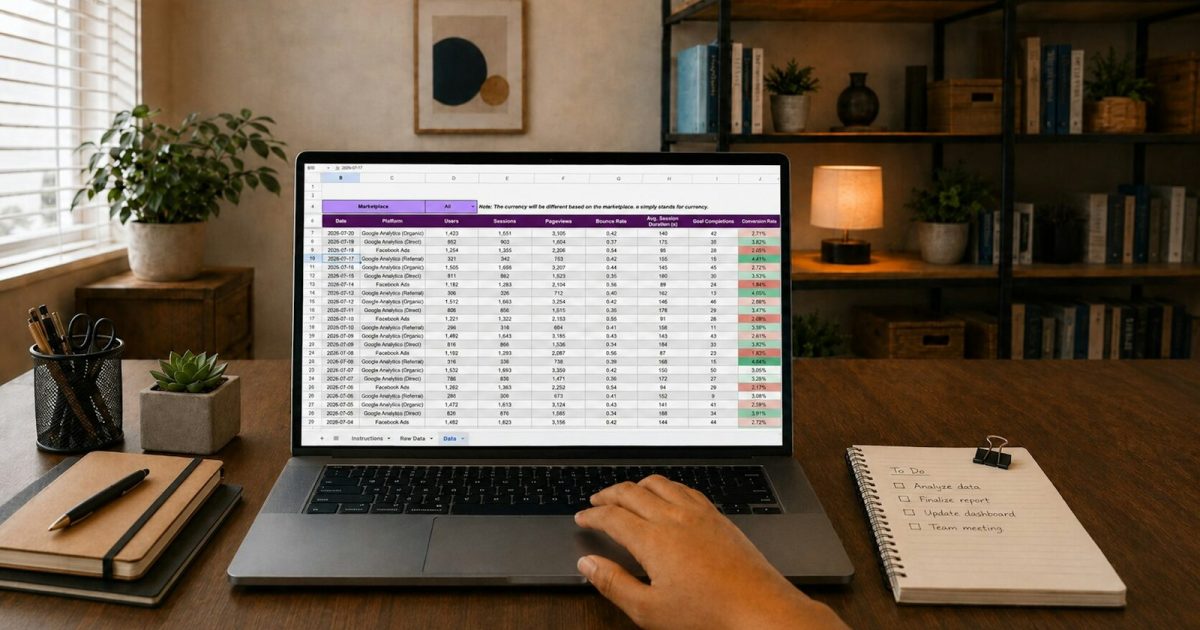
The patchwork approach, honestly assessed
What it gets right
It's flexible, and it's what every agent already knows how to use. There's no learning curve, no new software to figure out, and for a very small number of trips a month, it's genuinely fine. If you're sending two or three quotes a week, the overhead of switching tools might not yet be worth it, and there's no shame in saying so plainly rather than being sold on complexity you don't need yet.
Where it actually costs you
Every quote starts from near-zero. Even with a saved Word template, adjusting it for a new destination, new dates and new pricing means real, manual editing every time. There's no library of hotels and transfers to pick from, just a document you reshape by hand, line by line, for every single client.
Pricing lives in a separate sheet from the document the client sees. That gap is where errors creep in: a rate that changed in the Excel sheet but never made it into the Word doc, a per-person calculation done in a hurry that's quietly wrong, a markup applied to one line but forgotten on another.
Nothing tells you a quote has gone cold. Once a Word document is sent over WhatsApp, it's out of your hands and out of your view. If the client goes quiet, there's no built-in nudge, you have to remember to check, across every open conversation, every day, which becomes genuinely difficult once you're juggling more than a handful at once.
What a dedicated itinerary builder actually changes
You assemble, you don't retype
A library of your regular hotels, transfers, and activities means a new itinerary is built by selecting and adjusting, not writing from scratch. The time saved compounds: the fifth Kerala honeymoon quote takes a fraction of the time the first one did, because the pieces you use repeatedly are already there, ready to be assembled rather than rebuilt.
Price and presentation are the same document
Because the pricing is calculated inside the same tool that generates what the client sees, there's no separate sheet to keep in sync. Change a hotel, the price updates. Add a day, the total recalculates. What you see is what gets sent, and there's no window in which the two can quietly drift apart.

Open quotes stay visible
Instead of a quote disappearing into a WhatsApp thread the moment it's sent, it stays tracked, so you can see at a glance which ones are still open and which have gone quiet long enough to need a nudge, without relying on your memory of dozens of separate conversations.
Revisions take minutes, not a rebuild
"Can we swap this hotel?" is common, and a good builder handles it as a small edit rather than a reformat. In the patchwork approach, this is often where agents quietly give up and just re-send the same quote unchanged, hoping the client doesn't push back further, simply because the alternative, reformatting the whole document, feels like too much effort for one small change.
A closer look at what "assembling" actually looks like day to day
It's worth being concrete about this, because "reusable library" can sound abstract until you see it in practice. Say you're building a 5-night Bali honeymoon package. In the patchwork approach, you'd typically open last month's Bali quote if you have one saved, manually change the dates, manually check whether the hotel rates you quoted are still current, manually recalculate the per-person total in a separate sheet, and manually reformat anything that doesn't quite fit the new trip length.
In an itinerary builder, the same task looks more like: search your saved Bali hotels, select the ones for this trip, set the new dates, and the builder recalculates pricing automatically based on current rates you've already set up. Add a spa day or a transfer from your saved add-ons list, adjust the day count, and the document updates itself rather than needing to be rebuilt. The underlying content, which hotels, which transfers, which activities, doesn't need to be re-created every time, only selected and arranged for the specific client in front of you.
When the patchwork approach is genuinely still the right call
It would be dishonest to present this as universally right for every agency at every stage. A few situations where sticking with WhatsApp, Word and Excel a little longer makes sense:
- You're testing the business itself, not yet sure travel consulting is your long-term path, and don't want to invest time learning a new tool before you know you'll stick with it.
- You send genuinely few quotes, a handful a month, and haven't yet felt the pain of a version mismatch or a forgotten follow-up.
- Your trips are highly bespoke, one-off itineraries that rarely repeat, in which case a library of reusable packages offers less benefit than it would for an agency doing a lot of similar honeymoon or family-holiday packages.
The signal to switch is usually one of these: you're sending quotes fast enough that keeping the Excel sheet and the Word document in sync has become a real source of mistakes, you've lost a booking because a quote went quiet and nobody noticed, or you're simply spending evenings on formatting that should take minutes rather than on the parts of the job you actually enjoy.
What to look for if you do decide to switch
Not every itinerary builder is built with the same care, and it's worth checking a few specific things before committing time to learning one.
Does it handle per-person and group pricing cleanly?
Travel pricing often needs to flex between a per-person rate and a total group rate, sometimes within the same itinerary. A builder that only handles one cleanly will leave you doing manual workarounds for the other, defeating much of the purpose.
Can you brand the output?
A quote that looks like a generic template, rather than something with your agency's name and identity on it, undersells the work that went into building it. Look for a builder that lets the final document carry your branding without extra design effort each time.
Does it connect to your billing?
An itinerary builder that's disconnected from your invoicing just moves the double-entry problem one step later, from the quote to the invoice, rather than solving it. We've written more on why this connection matters specifically for Indian GST compliance in why GST billing belongs inside your CRM.
Is it actually fast to learn?
If building your first quote takes longer than it would have taken in Word, the tool has failed its basic job, however powerful its feature list looks on a sales page. Test this directly, with a real trip, before committing.
A short checklist for your first week with a new builder
If you do decide to switch, a structured first week makes the transition far less disruptive than trying to move everything at once.
- Day one: add your three or four most commonly quoted destinations to your library, using details from recent real quotes rather than starting from nothing.
- Day two: build one quote for a real, current enquiry inside the new tool, side by side with however you'd normally have built it, so you can compare directly.
- Days three to five: route all new enquiries through the new builder, while letting any quotes already in progress finish out the old way.
- End of week one: review which destinations you quoted most, and make sure they're properly saved in your library so the second week is faster than the first.
By the second week, most agents find the new tool has become the default simply because it's less friction than switching back, not because of any deliberate decision to commit fully on day one.
Frequently asked questions
Will switching to an itinerary builder change how my quotes look to clients?
It should generally improve presentation, not just speed, since a dedicated builder is designed specifically to produce a clean, professional-looking document. It's worth checking a sample output before switching, to make sure it matches the tone and style you want clients to see.
Can I keep some quotes in Word if I prefer, even after switching?
Nothing stops you from using both, especially during a transition period, but the benefits, the reusable library, the synced pricing, the visible tracking, only apply to quotes actually built inside the new tool. Running both in parallel long-term tends to recreate the original problem rather than solve it.
How long does it actually take to build a useful library of hotels and packages?
Most agents find that adding their five or six most commonly quoted destinations covers the majority of their day-to-day needs fairly quickly, often within the first couple of weeks of real use, since you're adding entries as you naturally build quotes for those destinations anyway, rather than needing to front-load everything before you start.
A realistic picture of the time actually saved
It's worth being specific rather than just asserting "it's faster," since vague claims are easy to make and hard to trust. Consider the individual steps involved in building a typical multi-day quote by hand: searching for or recreating hotel details, calculating per-person or group pricing, formatting the document to look presentable, and then, separately, updating a spreadsheet to track what was quoted. Each of these steps, done manually, takes real minutes, and they add up differently depending on how familiar the destination is to you.
For a destination you've quoted many times before, a lot of that time is spent on formatting and recalculation rather than genuine decision-making, since you already know which hotels and routes work well. That's precisely the kind of repetitive, low-judgement work a reusable library removes almost entirely, letting you spend your actual thinking time on the parts that need it: understanding what this specific client wants, not re-deriving pricing you've already worked out before for a nearly identical trip.
For a genuinely new destination you're quoting for the first time, the time savings are smaller, since there's no existing library entry to draw on yet. But even here, the pricing and presentation staying in sync, rather than living in two separate documents, removes one of the more common sources of small, costly mistakes.
What this means for how you spend your working hours
The honest case for switching isn't really about any single quote being faster, it's about what happens to your week once formatting and re-calculation stop eating into it. Evenings that used to go into reformatting a Word document for the third time become evenings you can spend actually talking to clients, following up on open quotes, or simply going home on time. None of that shows up as a dramatic feature in a product demo, but it's usually the difference agents notice most once they've made the switch and had a few weeks to feel the change in their own routine.
When to actually make the switch
We looked at the billing side of this same problem, quotes and invoices living in separate places, in why GST billing belongs inside your CRM. The itinerary and the invoice are really the same story: fewer places for the same information to live, fewer chances for it to disagree with itself, and fewer evenings spent reconciling documents that should have agreed with each other from the start.
TravelCRM's itinerary builder is included free on the Freemium plan, one user, no credit card, no time limit. Register free and build your next quote without opening Excel.